
Feature Drop
DECEMBER 2025
twiinworkspace Feature Drop
Our latest updates are here to help you manage your workspace operations with even greater control, transparency and ease. This release includes enhancements to reception workflows, activity tracking, and billing accuracy.
twiinsales Updates
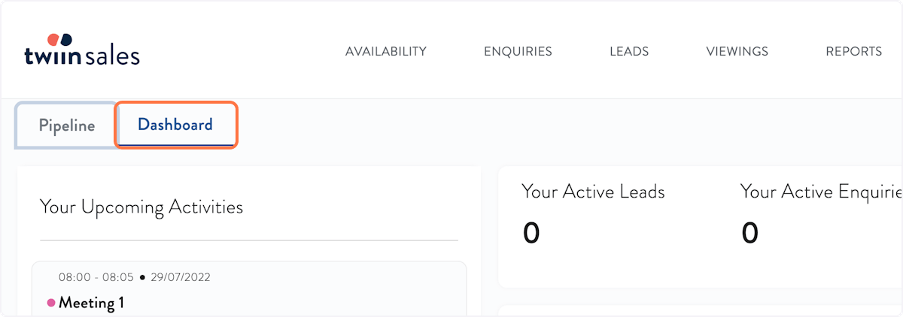
Dashboard update
The dashboard has a new home! For quicker navigation, it now sits in its own tab just behind the Pipeline, making it easier to toggle between the two views.
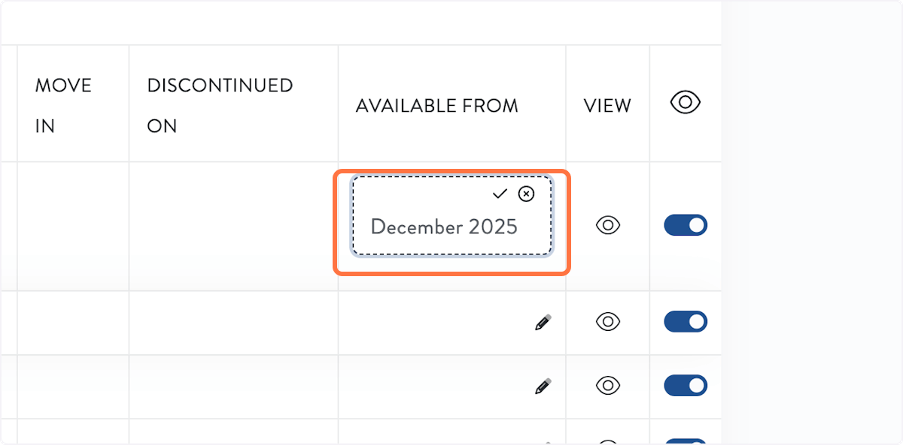
Availability - New "Available From" field
You can now add an “Available From” date to your vacancies. If you use our API to display real-time availability on your website, this new field allows you to enter free text (such as a specific date or month) to show when a unit will become available. This information is now also surfaced in the Availability API for your website listings.
New Availability search
Finding the right space is now even simpler with two new filters on the Availability list page.
You can now search your vacancies by:
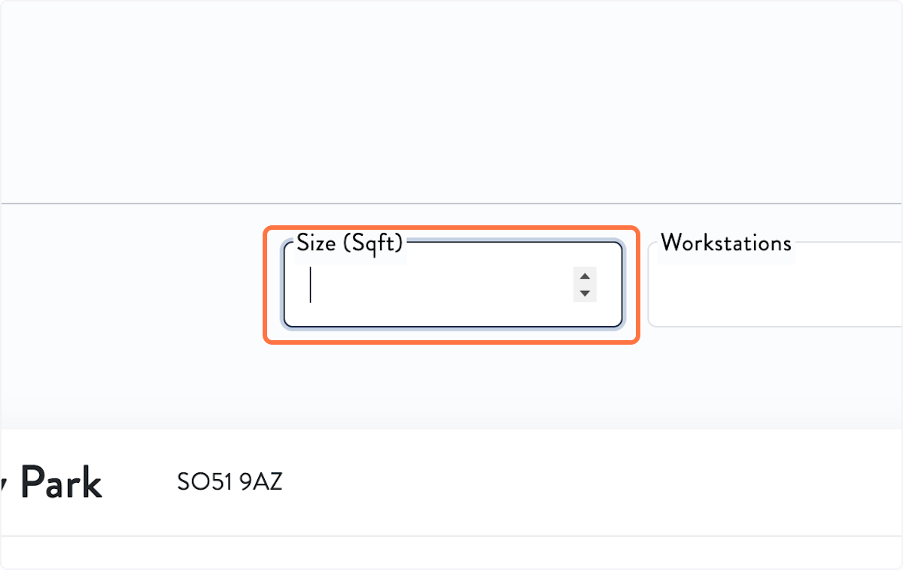
Square footage - enter a number to filter by unit size.
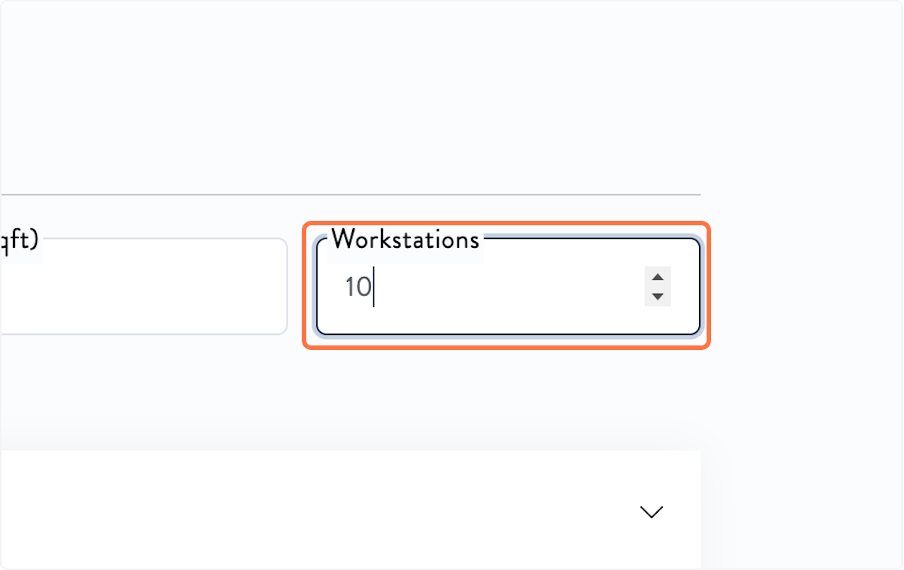
Workstations - enter a workstation count to find matching units.
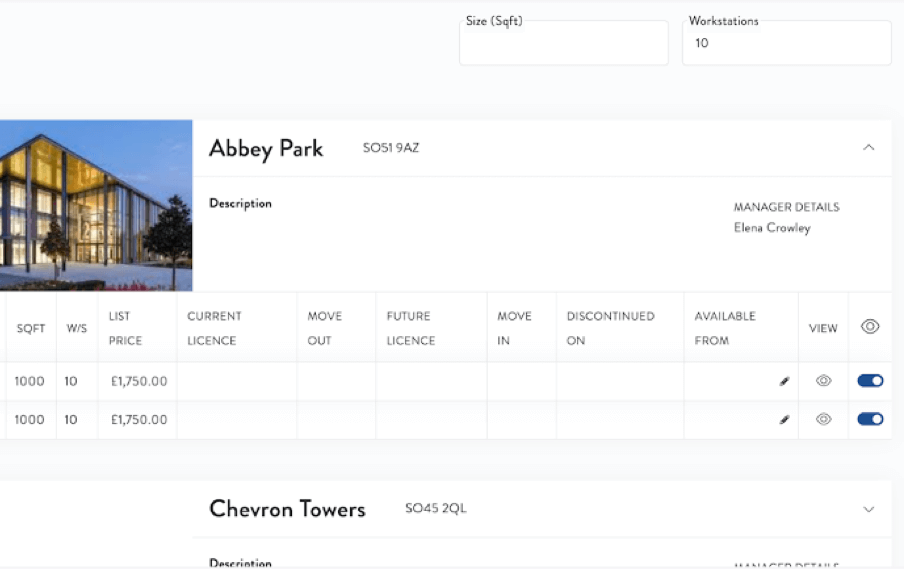
Expand building rows to quickly view all spaces that meet your criteria.
twiinworkspace Updates
Bookings - New recurring bookings option
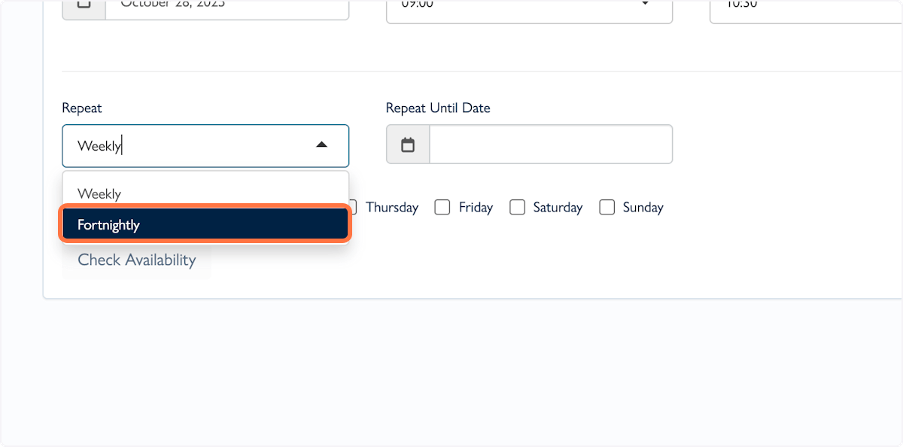
We’ve added even more flexibility to recurring bookings.
Alongside daily and weekly options, you can now create fortnightly recurring bookings.
Settings - Agreement Settings
You now have greater control over your agreement configuration.
Agreement approvals
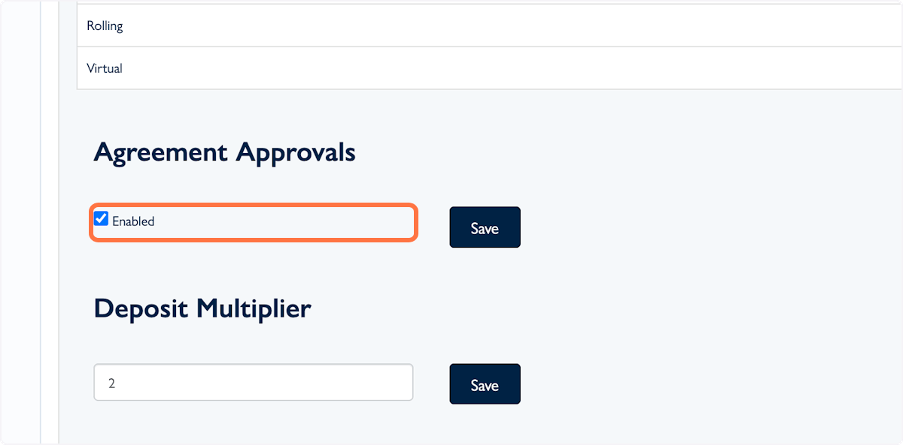
If needed, you can now disable the approval step before sending agreements for signature. This applies platform-wide, so take care when adjusting. You can disable approvals per agreement type as a further refinement when enabled.
Deposit Multiplier
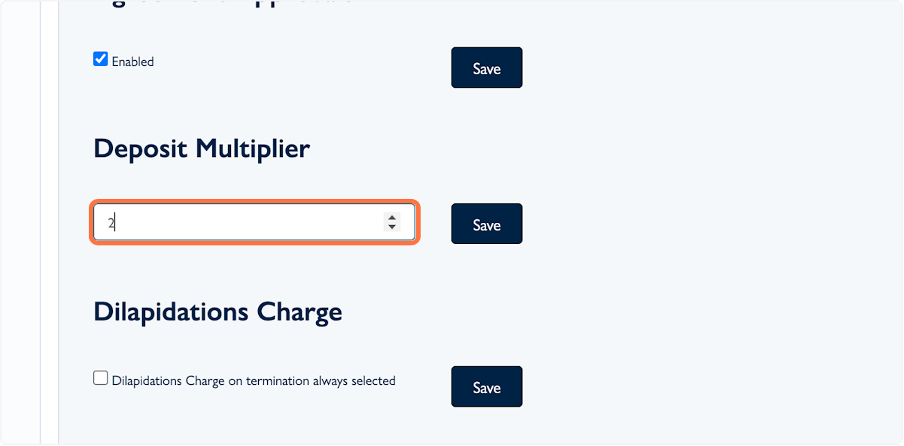
This setting is now editable in the platform. The Unit Monthly Price will be multiplied by the value you set when a unit is added to a licence.
twiinconcierge Updates
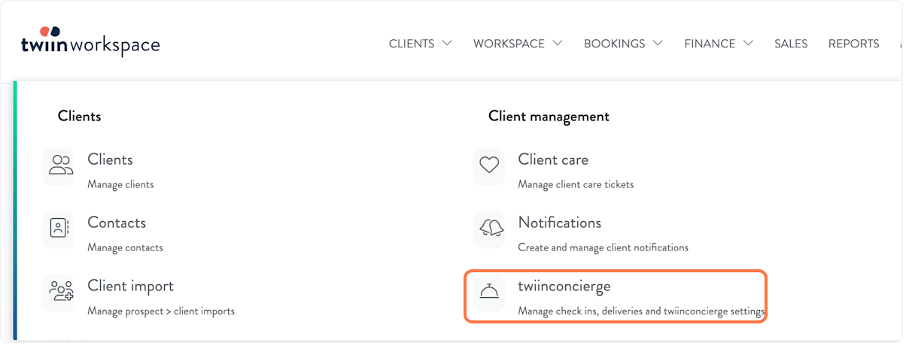
Name change in twiinworkspace menu
We’ve updated the menu label from “Reception” to “twiinconcierge” to reflect the product’s full capabilities.
Impersonating via your browser
You can now use the twiinconcierge app quickly in your browser through a new impersonation option.
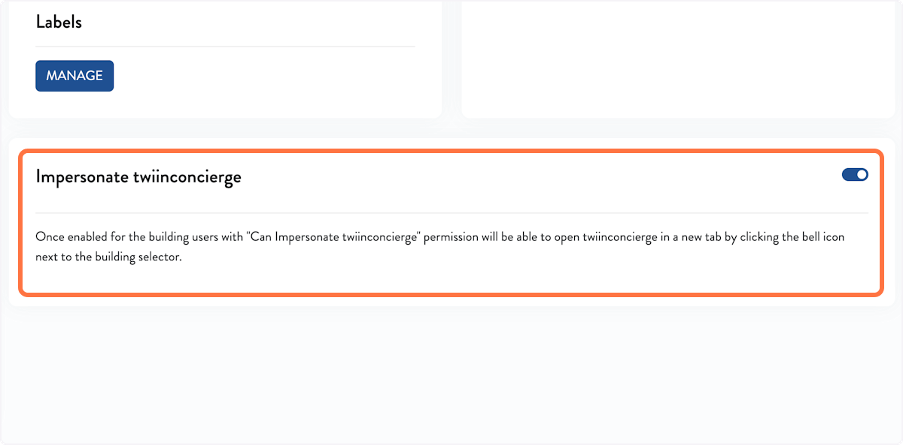
In the twiinworkspace → twiinconcierge → General tab:
- Enable Impersonate twiinconcierge.
- Users with this permission will see a bell icon next to the building name.
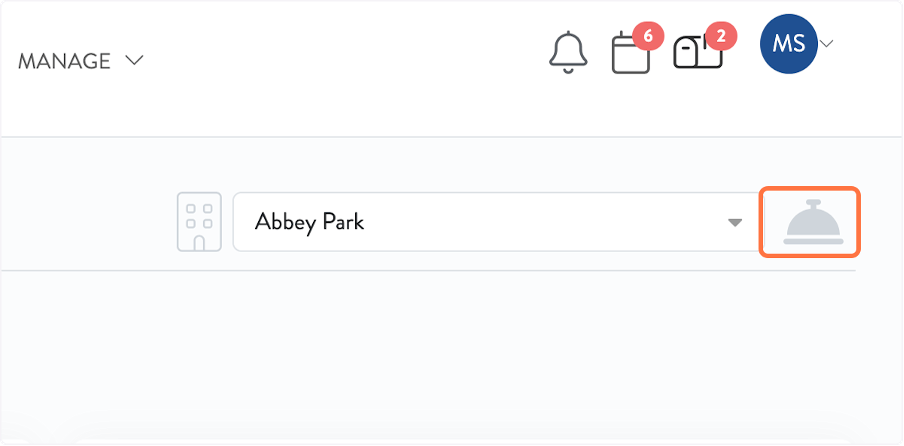
• Click the bell to open the app instantly in your browser for faster support.
Manage your own labels in the app
You now have more control over terminology in the twiinconcierge app.
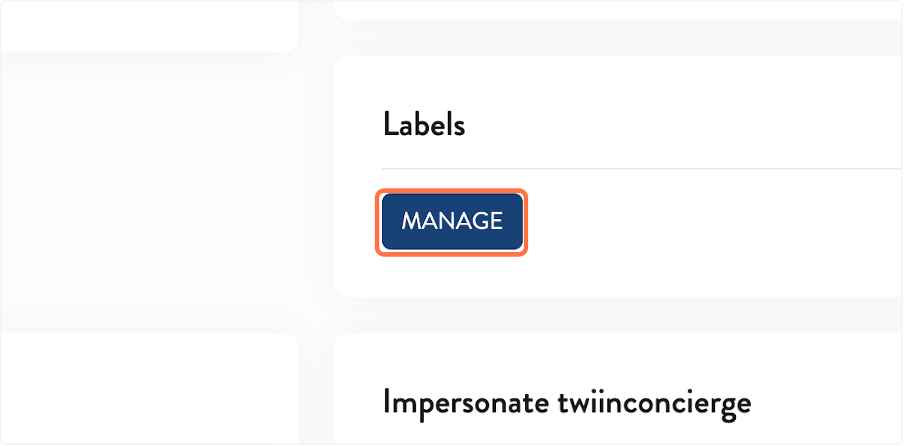
In the twiinworkspace → twiinconcierge → General tab:
Click Manage under the Labels section.
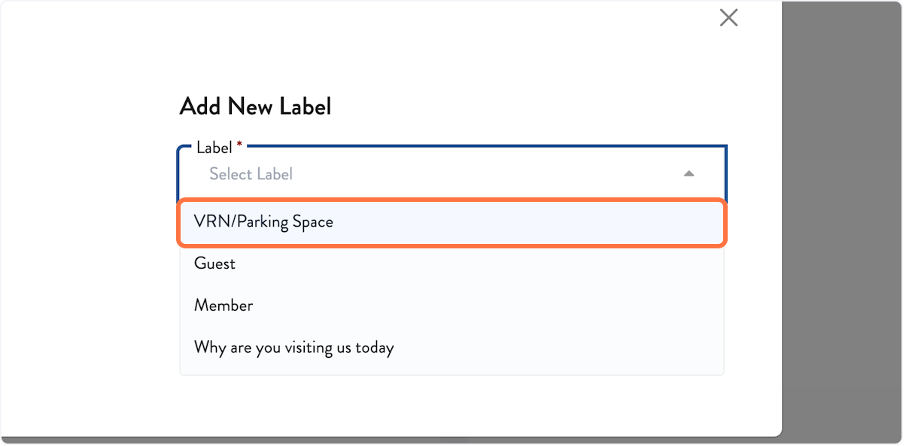
Select a field from the dropdown.
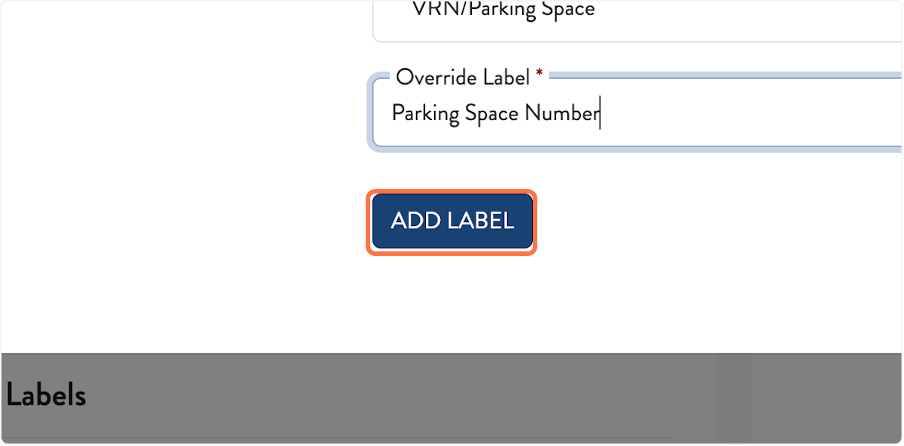
Enter your preferred wording.
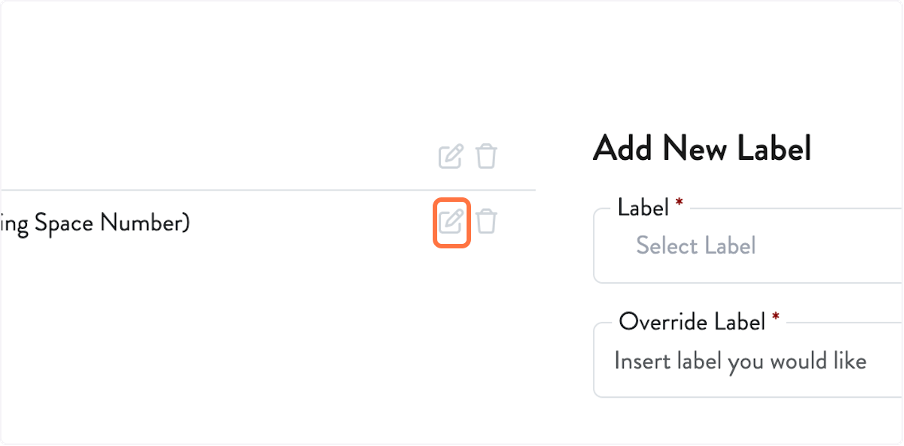
Your changes will be immediately applied to the twiinconcierge app but can be edited.
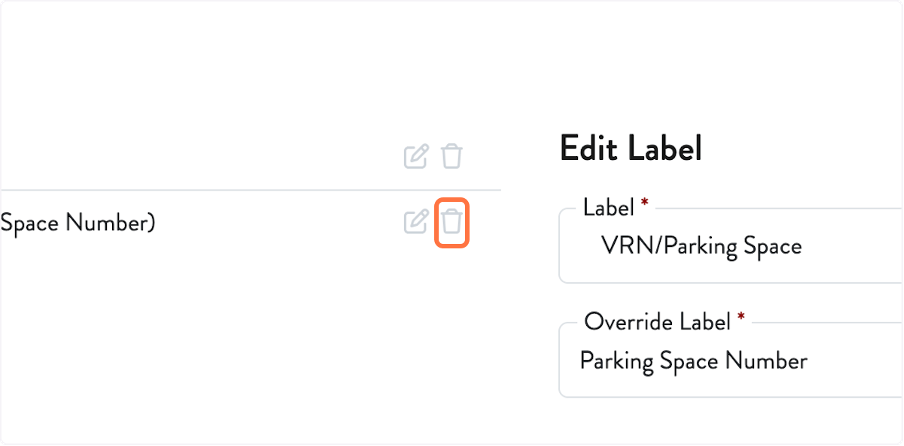
Changes apply immediately and can be edited or deleted at any time.