
twiinworkspace Feature Drop
Our latest updates are here to help you manage your workspace operations with even greater control, transparency and ease. This release includes enhancements to reception workflows, activity tracking, and billing accuracy.
twiinconcierge: Delivered to Office Option
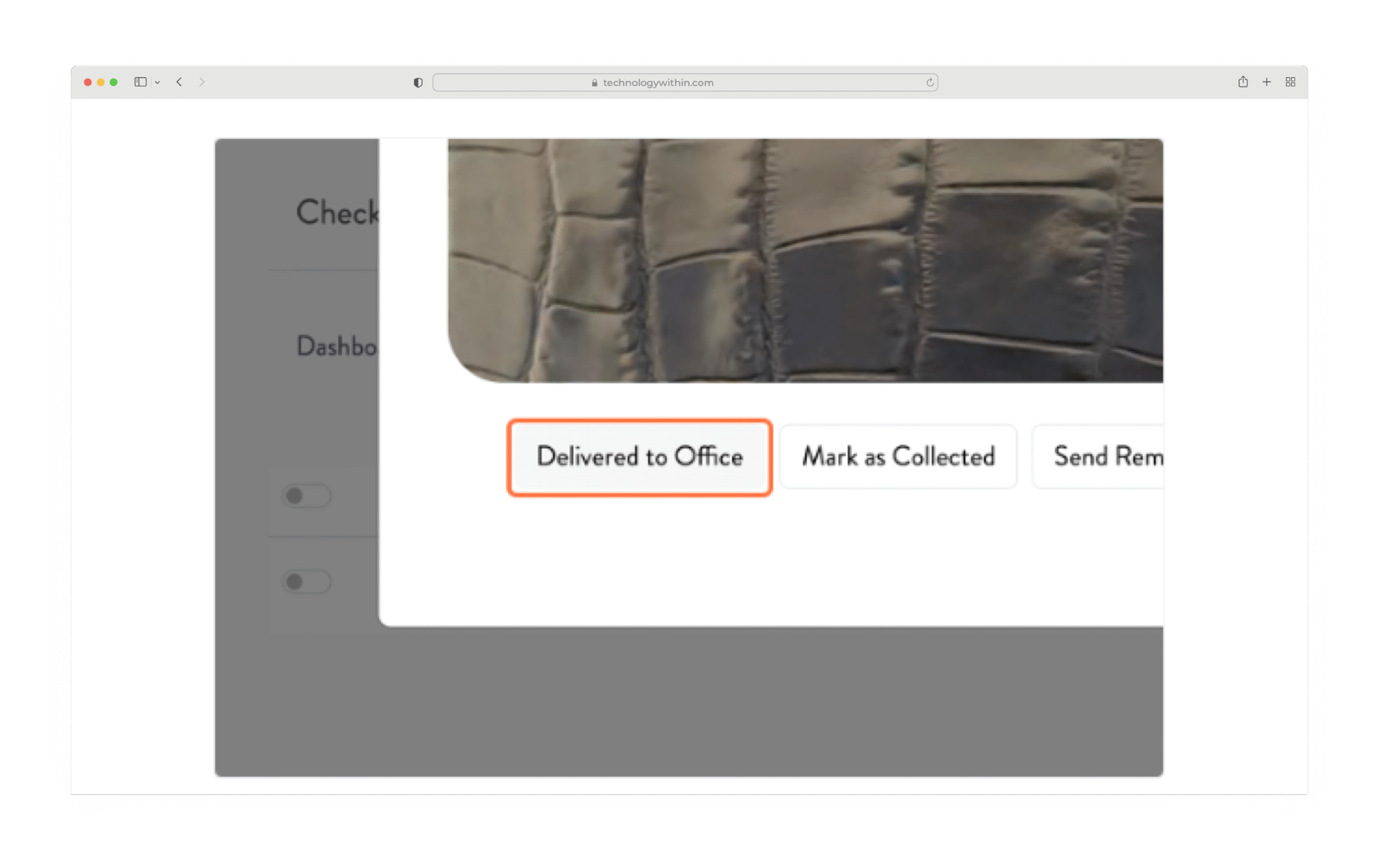
We’ve made it easier to manage deliveries that are taken directly to client offices, without waiting for a collection.
In twiinworkspace, under the client menu go to twiinconcierge > Delivery > History view, you’ll now see a new option: Delivered to Office
This allows you to:
- Confirm that a parcel has been handed directly to the client’s office.
- Automatically notify the recipient that their delivery has been delivered to their office.
- Keep your delivery log accurate, without marking it as ‘collected’.
How it works:
- Open the delivery via the eye icon
 in twiinconcierge Delivery History.
 - Select ‘Delivered to Office’ to complete the action.
- The client receives confirmation, closing the loop on delivery.
This improvement supports teams using twiinconcierge and ensures no parcels go unaccounted for.
Client Care Tickets in Activity Calendar
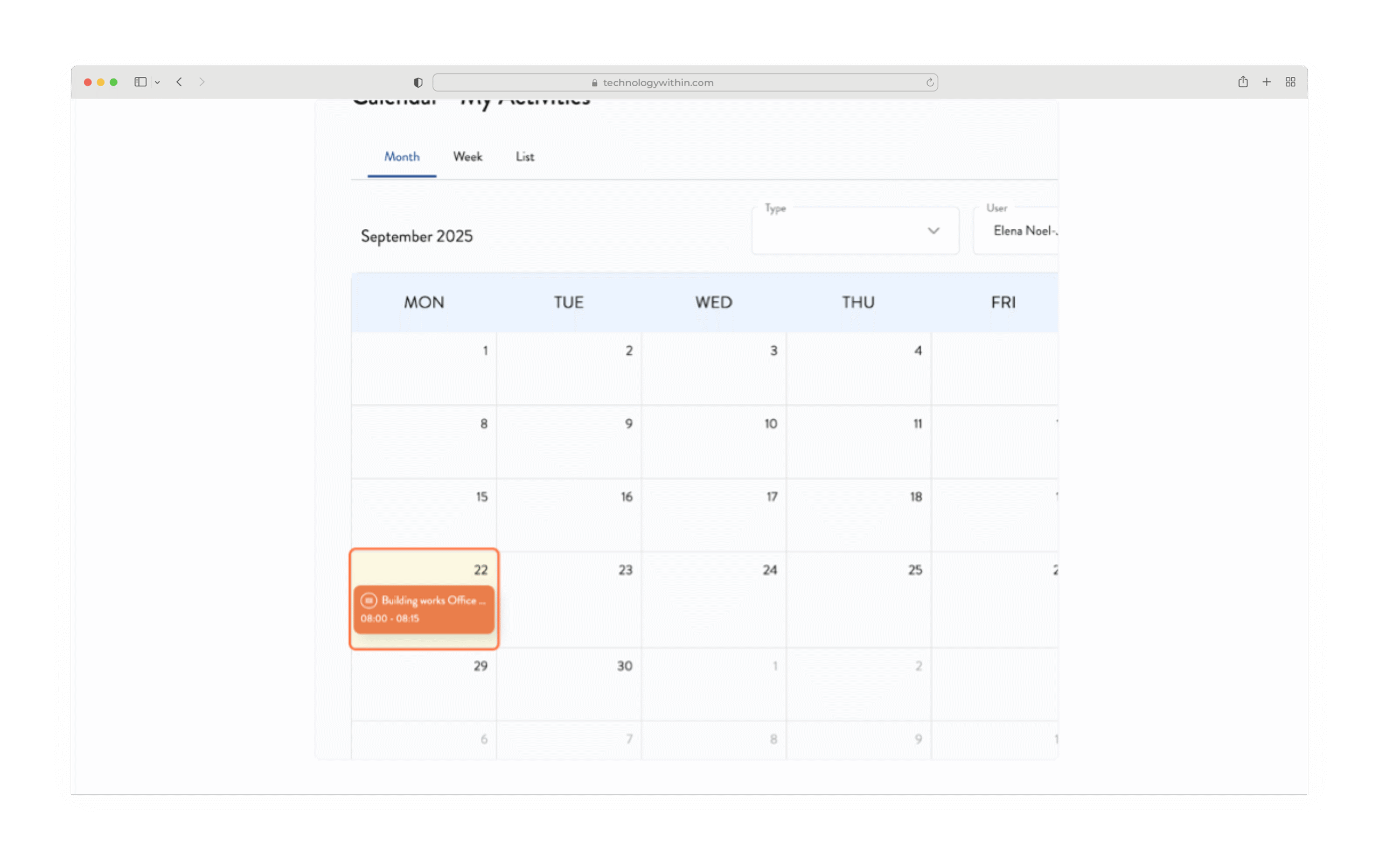
Your Activity Calendar is now even more comprehensive.
In addition to tasks, calls, emails, meetings, and viewings, it will now display Client Care tickets assigned to you, helping you stay on top of service commitments and SLAs.
Key details:
- Tickets appear on the Due Date set in the ticket.
- Tickets without a due date will not appear in the calendar.
- Like viewings, these entries do not increase the activity counter.
- Client Care tickets are displayed in orange for quick visibility.
Click on any ticket entry to jump straight into the details and make updates.
Prevent Billing on Charges
(Without Deleting)
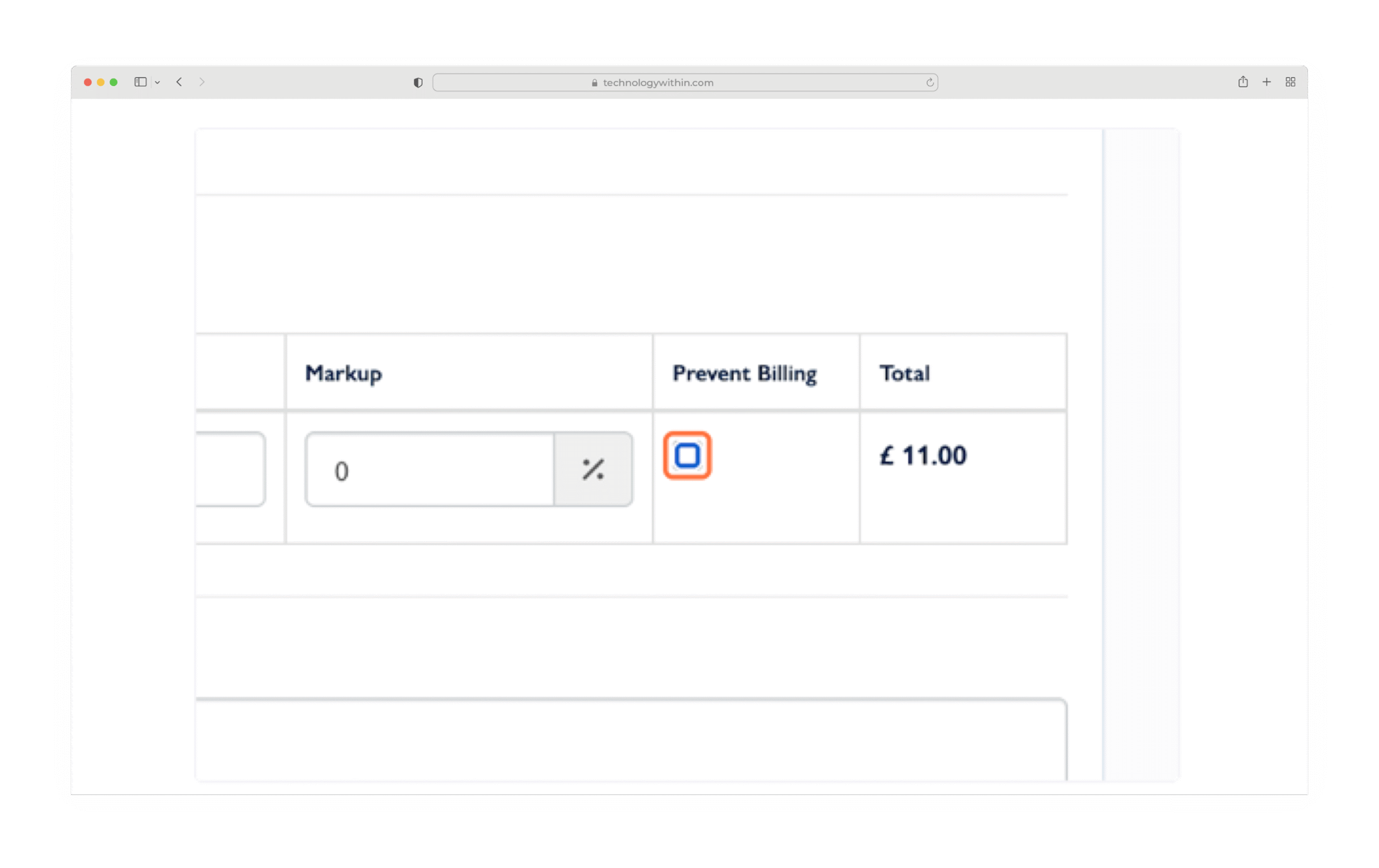
We’ve added more flexibility to billing control.
If you create a charge that you no longer wish to invoice, but want to retain for records, you can now exclude it from billing without deleting it.
To use this:
- Open the charge.
- Select the Prevent Billing checkbox.
- The charge will be retained in twiinworkspace but excluded from all future bill runs and Instant Invoices.
You can re-enable billing at any time by unchecking the setting.
This feature is ideal for internal adjustments, goodwill gestures, or deferred billing scenarios.
Please reach out to your Customer Success Manager if you have any questions.