
twiinworkspace Feature Drop
Our latest updates are here to help you manage your workspace operations with even greater control, transparency and ease. This release includes enhancements to reception workflows, activity tracking, and billing accuracy.
Deposit Ledger: Full Control of Client Deposits
What the Deposit Ledger Provides
- Full historical record of all deposit-related transactions (invoices, credit notes, transfers, journals and manual entries).
- Clear breakdown of deposits held per agreement and billable licence.
- Instant insight into the total Deposit Held position for each client.
A major enhancement to financial transparency in twiinworkspace: Introducing the Deposit Ledger, giving you complete visibility and control over all deposit movements for each client.
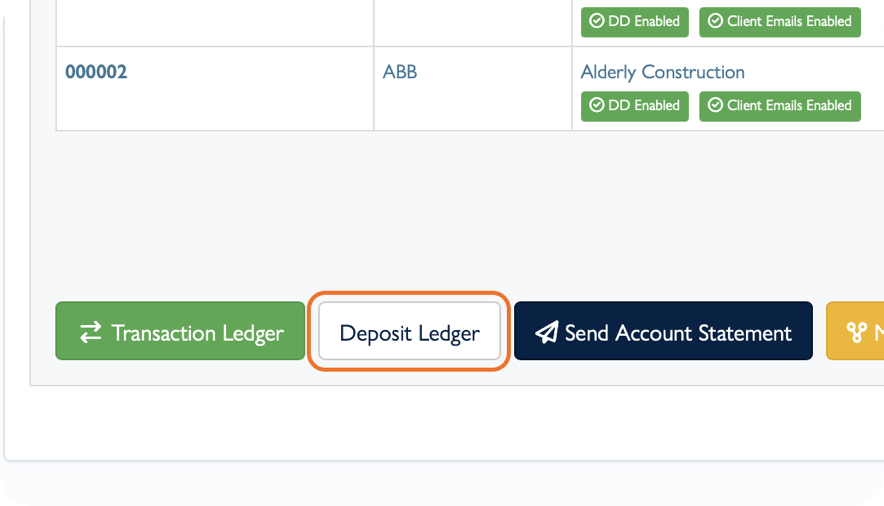
Access it via Client > Invoices > Deposit Ledger.
Key Deposit Ledger Functions
Viewing the Deposit Ledger
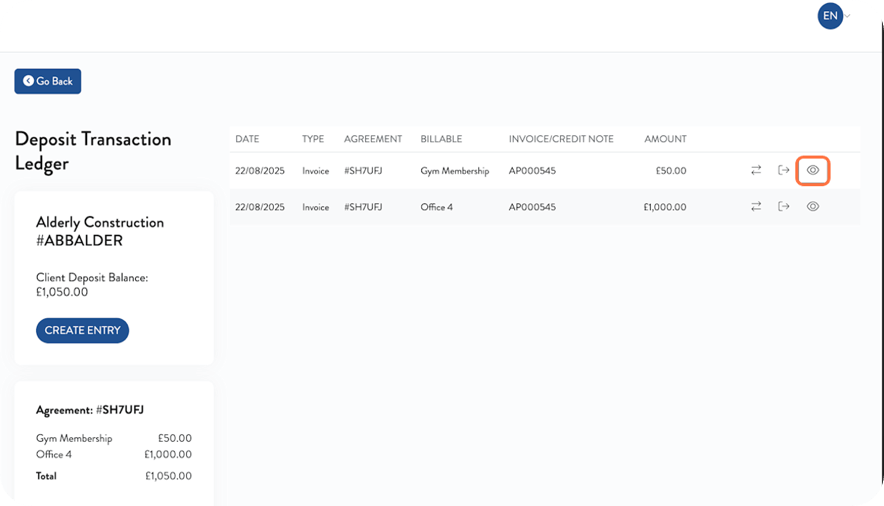
- See all historical deposit entries, including opening deposits, licence allocations and related invoice activity.
- Use the eye icon 𓁹 to view the original transaction (invoice or credit note).
Transferring Deposit Amounts
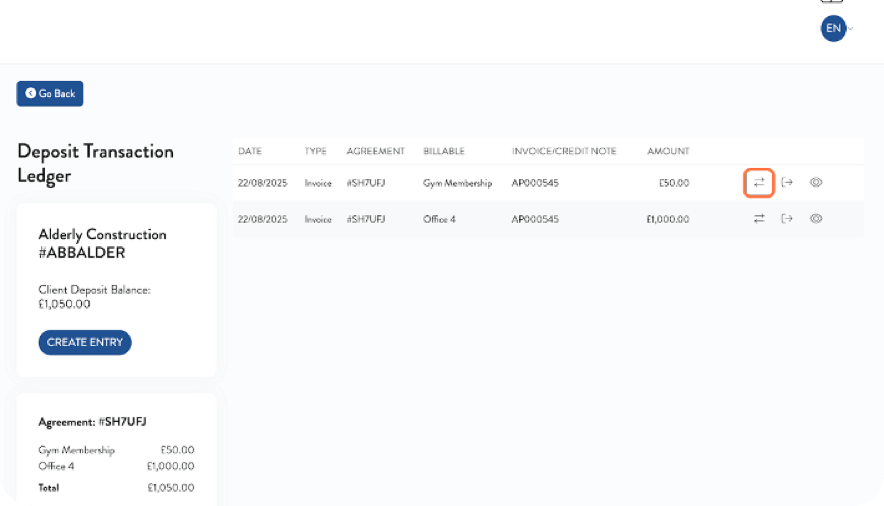
Move part or all of a deposit to:
- Another licence, or
- A specific billable item (optional)
Simply click the Transfer icon, choose the destination, and set the amount. New ledger entries are automatically created to reflect the transfer.
Refunding / Reducing Deposits (Without Credit Notes)
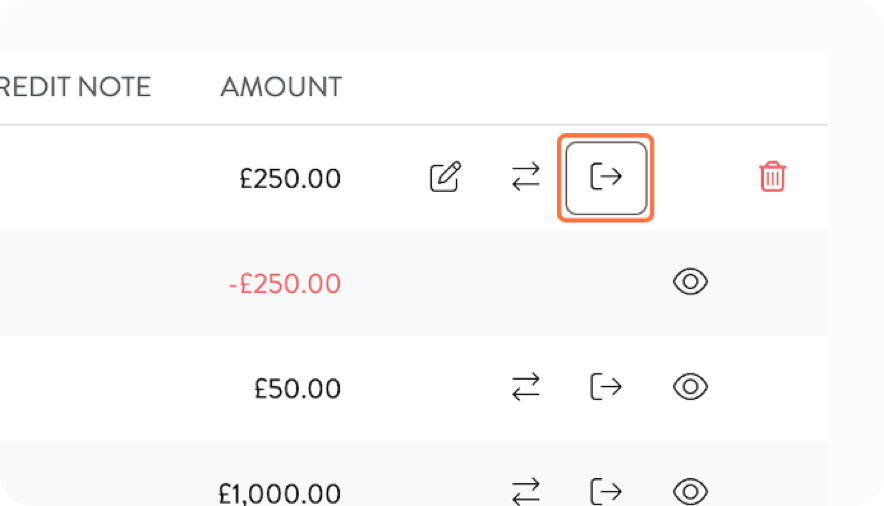
Use the Journal Out option to reduce deposit balances directly.
-
- Enter date, amount and notes.
- Ledger updates instantly and recalculates Deposit Held totals.
- Journals can be deleted to reverse if needed.
- Enter date, amount and notes.
Creating a Deposit Entry (Without an Invoice)
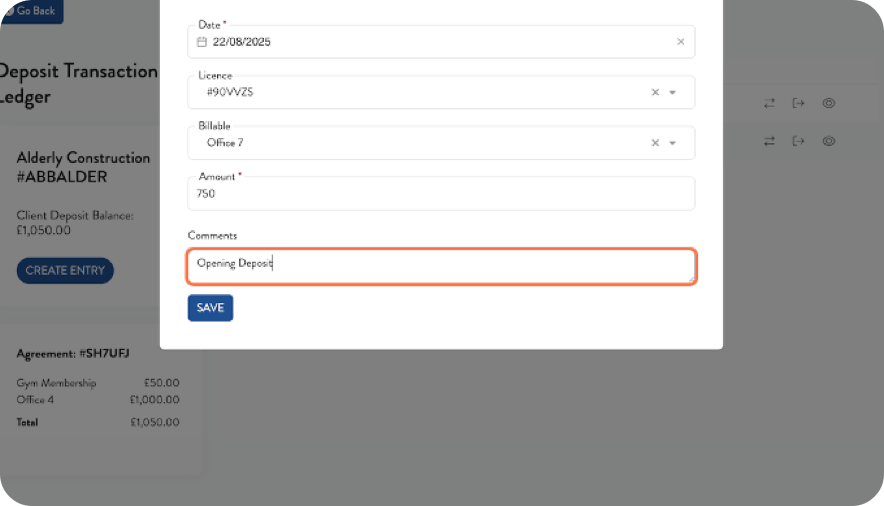
- Add date, licence, billable, amount and notes.
- Useful for external deposits or adjustments.
Creating a Credit Note to Refund Deposits
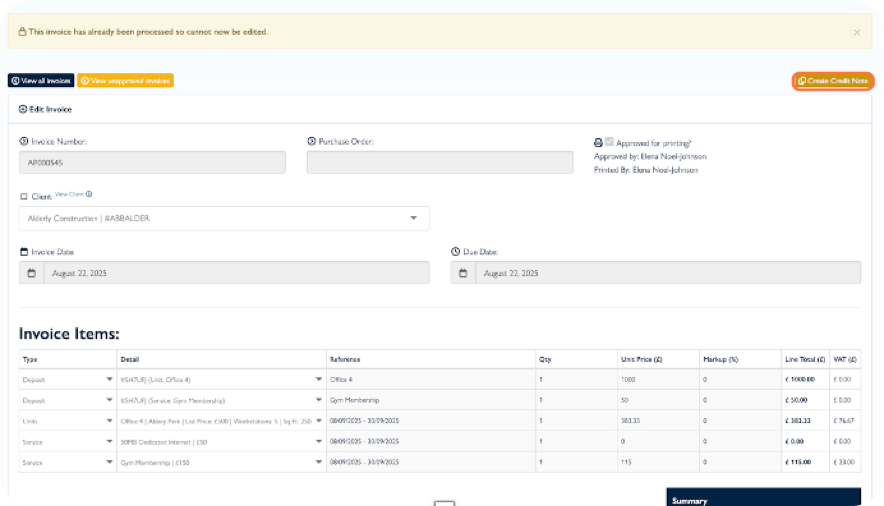
If the invoice for the deposit exists in twiinworkspace, click on the eye icon on the invoice transaction line to view it.
- Click Create Credit Note on the invoice page.
- Edit invoice lines if needed, then approve and print to reflect the refund in the ledger automatically.
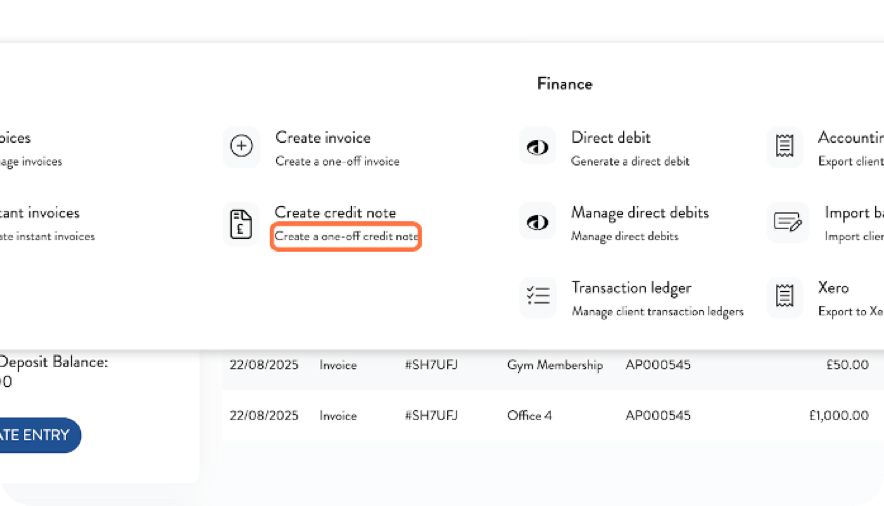
If no original invoice exists:
- Use Finance > Create Credit Note
- Select Deposit type on the invoice line, assign to a licence if applicable.
Viewing Deposit Held Across twiinworkspace
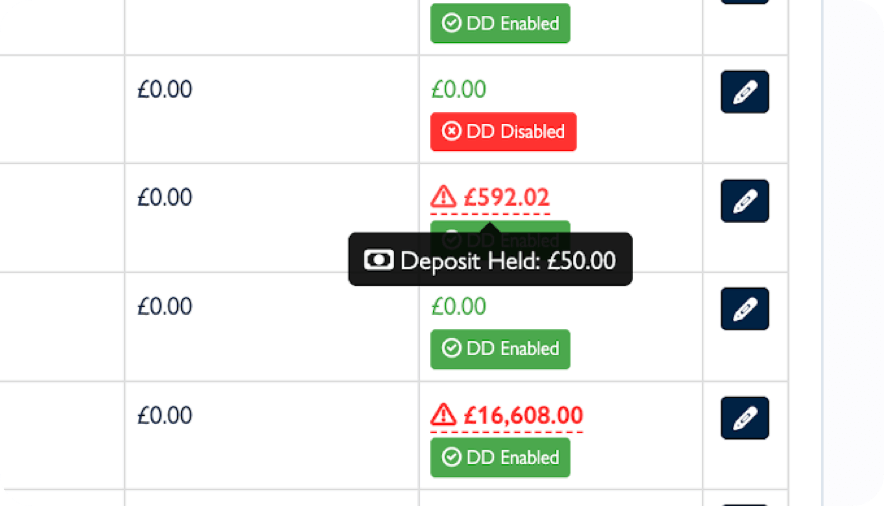
Deposit totals are visible across multiple areas:
Client > Invoices Tab: Deposit Held balance shows on the Deposit Held tile
Client > Agreements Tab: Deposit Held per agreement
Client List: Hovering over Client Balance values provides a full client deposit total
Licences List: Column view of deposits held per licence
Agreement View: Deposit invoiced for the agreement and links to source invoice